

 By
Introduction
Smart TVs revolutionize home entertainment with streaming and apps, yet not everyone has internet access at all times. Whether due to location, cost, or personal choice, there are compelling reasons to enjoy smart TVs offline. Fortunately, these devices offer robust features that deliver excellent viewing experiences without needing a connection. In this guide, we will explore how to maximize the utility of your smart TV offline.
Understanding Smart TVs
Smart TVs integrate traditional television properties with internet-enabled features. They provide access to streaming services, apps, and voice functionality. However, when used offline, they still perform many useful functions, maintaining great value for users without internet connectivity.
Difference Between Smart TVs and Regular TVs
Smart TVs offer enhanced features like high-quality picture, audio, app access, and internet connectivity, unlike regular TVs which need external adapters for the same benefits. Offline, smart TVs retain capabilities such as channel tuning and connection with external devices, similar to regular TVs. This makes them an ideal solution for versatile viewing needs.
Key Features and Capabilities Without Internet
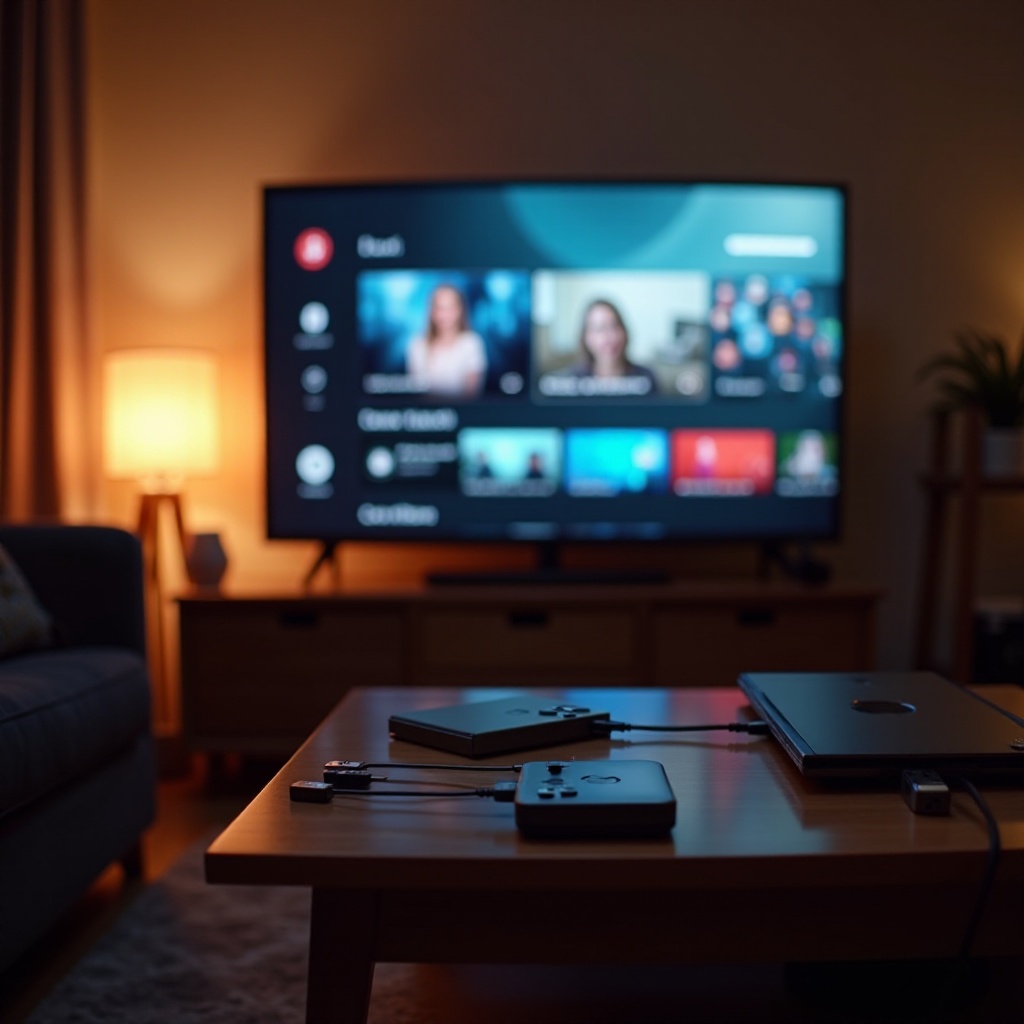
When offline, smart TVs can play media from USB drives or connected devices, supporting media formats like photos, videos, and music. They also provide connectivity for HDMI and audio inputs, ensuring a comprehensive entertainment experience. These capabilities prove their usefulness beyond online functionalities.
How to Use Smart TV Without Internet
Even without online access, smart TVs offer several entertainment options. Here’s how you can use your smart TV without an internet connection.
Viewing Local Channels via Antennas
- Setup: Connect an HDTV antenna to your TV’s coaxial input to access free local broadcasts.
- Channel Scan: In the TV’s menu, perform a channel scan to detect available broadcasts.
- Adjust: Move the antenna to improve signal reception, typically placing it near windows enhances reception.
Access a range of network channels including ABC, CBS, NBC, and PBS without internet, increasing the usefulness of your smart TV.
Connecting External Devices like USB/DVD Players
- USB Devices: Insert a USB stick to play saved media. Use the TV’s media player interface to select files.
- DVD Players: Connect using HDMI or composite cables to watch DVDs.
These methods ensure plenty of viewing options on your smart TV without internet dependency.
Pre-downloaded or Pre-recorded Content
- Download Content: Download content from apps whenever you have an internet connection to view later.
- Playback: Some apps offer offline playback capabilities for previously downloaded content.
Pre-downloading keeps your viewing list ready for offline times, ensuring entertainment continuity.
Exploring Alternative Offline Content Sources
Besides local broadcasts and external devices, there are more ways to enhance your smart TV’s offline content variety.
Offline Streaming from Personal Devices
Screen mirroring technology or direct HDMI connections allow streaming from personal laptops or smartphones. This method is perfect for showcasing home videos or sharing photos with family on the big screen, circumventing the internet requirement.
Using External Hard Drives for Media Storage
External hard drives provide vast storage space for movies, shows, or music. Connect via USB, and use the TV’s media player to access files. Stick to common formats like MP4 or MP3 to ensure compatibility.
Leveraging Built-in Apps and Games
Smart TVs often include pre-installed apps or games that function offline. These offer additional enjoyment without needing internet. Check your TV’s app store to explore and install offline utilities when online to enjoy later.

Maximizing Features of Smart TV Without Internet
Smart TVs provide multiple features you can harness even offline, further enhancing their value.
Screen Mirroring and Compatibility
Utilize screen mirroring to cast content from your smartphone or laptop to your TV. Supported by many modern devices, this feature enables you to display your personal or downloaded media on the big screen effortlessly.
Customizing TV Settings for Optimal Use
Tweak picture settings like brightness and contrast for optimum visual experience. Adjust sound levels to suit content type or your room environment. Such customization ensures you enjoy the best quality, regardless of your content source.
Energy-Efficient Viewing Options
Activate energy-saving modes or set automatic off timers to conserve power. Reducing picture brightness also contributes to energy efficiency, enhancing your smart TV’s longevity without internet reliance.
Conclusion
Owning a smart TV is beneficial even without internet connectivity. By utilizing built-in features, external devices, and strategic settings adjustments, you can fully enjoy a broad range of content. These strategies demonstrate that high-quality entertainment is accessible, ensuring your smart TV remains a vital part of your household entertainment setup.
Frequently Asked Questions
Can I use streaming apps on my smart TV without internet?
Streaming apps like Netflix and Hulu cannot stream live content without the internet, but some providers allow downloads for offline viewing.
What local channels can I access without an internet connection?
Using an HDTV antenna, you can access channels like ABC, CBS, NBC, PBS, and other local stations depending on your region.
How can I improve my offline viewing experience on a smart TV?
Utilize screen mirroring, maximize USB or hard drive media playback, adjust picture and sound settings, and explore built-in offline apps for the best experience.