

 By
By Introduction
The Apple Watch combines fashion with functionality, becoming a staple device for many users who enjoy its diverse features. However, despite its advanced capabilities, a common question remains: ‘Does the Apple Watch have a keyboard?’ This blog addresses this question, exploring the various text input methods available, from the watch’s built-in features to third-party apps and potential future innovations.
Understanding the Apple Watch’s Built-in Features
Apple’s ingenuity is evident in its designed input methods, offering users voice and handwriting options. Siri is implemented as a primary tool for voice-to-text, transforming spoken words into text seamlessly. Users simply need to say their message, and Siri will process it instantly. Alternatively, those who prefer a quieter input method can utilize Scribble. Scribble allows characters to be drawn directly onto the Apple Watch screen, which are then converted into text. It efficiently supports multiple languages and performs well for short messages.
However, for longer communications, both Siri and Scribble have constraints. Siri requires reliable internet connectivity to function optimally, and the small screen may limit the speed and accuracy of Scribble for elaborate text entries. These limitations have encouraged users to consider external text input solutions.
Exploring Third-Party Keyboard Apps for Apple Watch
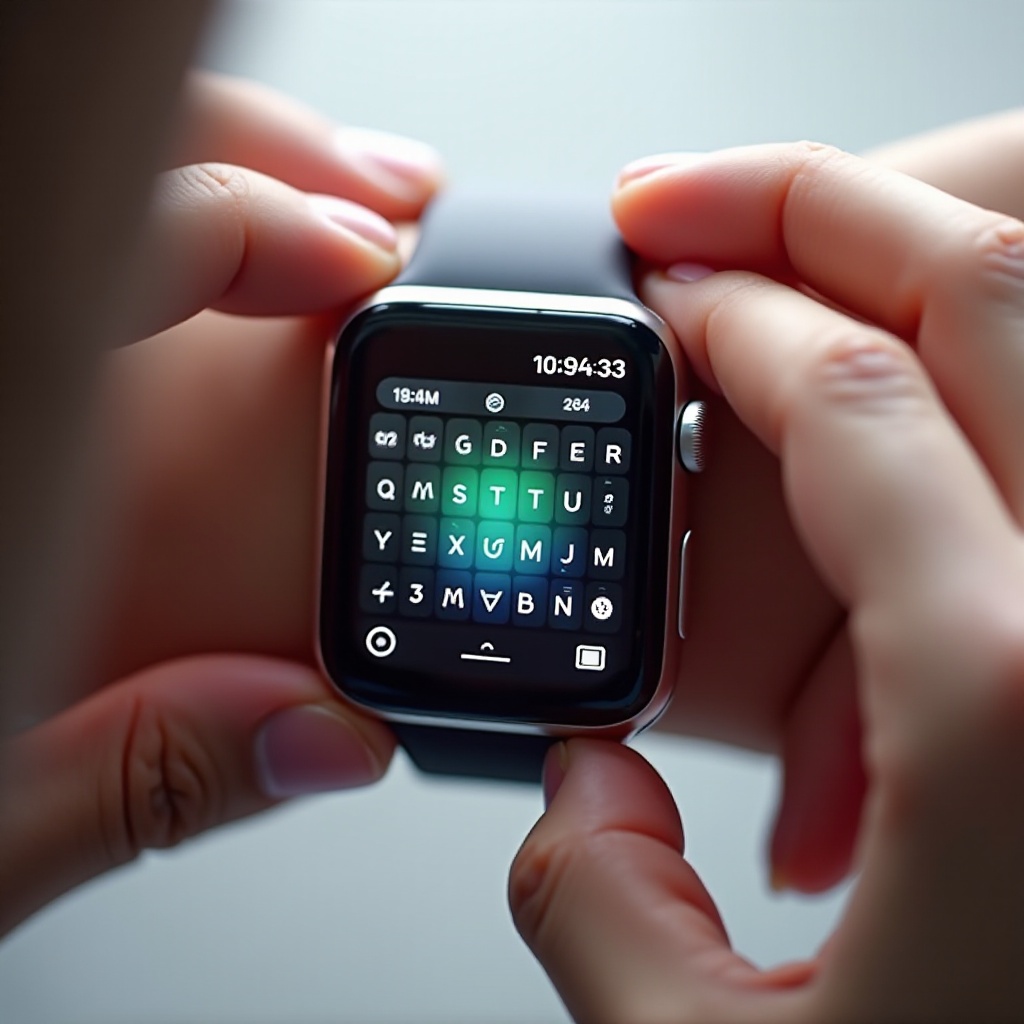
Given the absence of a native keyboard, developers have introduced several third-party apps to fill this gap. These apps are specifically designed to enhance text entry on the Apple Watch by providing virtual keyboard functionality. Let’s take a closer look at some popular options:
-
FlickType Keyboard: FlickType is lauded for its speed and precision, utilizing swipe gestures to facilitate typing. Its autocorrect feature minimizes errors, making it a user-friendly choice. Setup is simple: download, grant permissions, and it’s ready to use.
-
WatchKey: Offering a QWERTY keyboard experience, WatchKey delivers impressive autocorrect and predictive text functionalities. Despite the condensed space, users find it reliable for typing short messages. Installation involves downloading, syncing, and using the app.
-
Shift Keyboard: Known for its user-centric design, Shift Keyboard supports swipe typing and boasts strong word prediction capabilities. It aims to provide a hassle-free typing experience, requiring users to install, configure, and start using it immediately.
Each app provides distinct benefits, enhancing the text input experience on the Apple Watch. Despite their utility, the need for improvement still exists, highlighted by user feedback and experiences.
User Experiences and Feedback
Users who’ve adopted third-party apps generally report improved abilities to communicate through their Apple Watch. Despite the small screen size, these apps increase text entry usability significantly, proving beneficial for those needing to type more extensively.
Yet, challenges persist, such as occasional lags during complex word prediction operations. Additionally, while short messages are manageable, lengthy texts can remain cumbersome. Overall, the reception is positive, as these apps significantly extend the Apple Watch’s capabilities.
By examining how Apple compares with its competitors, we can better understand the role these features play within the broader smartwatch market.
Comparing Apple Watch with Competitors
When it comes to text entry, the Apple Watch faces competition from devices like the Samsung Galaxy Watch and Fitbit. Samsung offers a T9 keyboard and supports voice dictation, presenting an appealing alternative to Apple’s strategies.
Fitbit, while less focused on communication, still provides efficient integration with its ecosystem. Nonetheless, the Apple Watch has a robust app selection and frequent updates, maintaining its edge in innovation and usability.
Speculation abounds regarding potential improvements and new features that future Apple Watch models might include.
Future Possibilities for Built-in Keyboards on Apple Watch
While Apple has yet to confirm plans for integrating a built-in keyboard, speculation continues to excite tech enthusiasts. Thoughts center around whether Apple might introduce adaptive or AI-powered text input solutions tailored for smartwatch screens.
Although there has been no official word from Apple, its constant innovation suggests future possibilities remain vast. Such advancements would undoubtedly elevate the user experience, making text input on the device even more intuitive.
Conclusion
In summary, while the Apple Watch doesn’t feature a built-in keyboard, its available alternatives—like Siri and Scribble, supplemented by third-party apps—address most users’ needs. These options currently provide workable solutions, while future innovations may further refine this experience.
Frequently Asked Questions
Can you install a keyboard on Apple Watch?
Yes, you can install third-party keyboard apps like FlickType, WatchKey, and Shift Keyboard.
How do you type messages on Apple Watch without a keyboard?
You can use Siri for voice dictation or the Scribble feature for handwriting-based text input.
Are there any official plans from Apple to introduce a built-in keyboard?
Currently, there are no official announcements from Apple, but users anticipate future updates.