

 By
By Introduction
Water damage to your MacBook Pro is a scenario most users fear. It poses a risk to the functionality and lifespan of this valuable device. Acting quickly can make the difference between a minor repair and a complete system failure. In 2024, as technology becomes more a part of our daily lives, understanding how to manage water damage efficiently is vital.
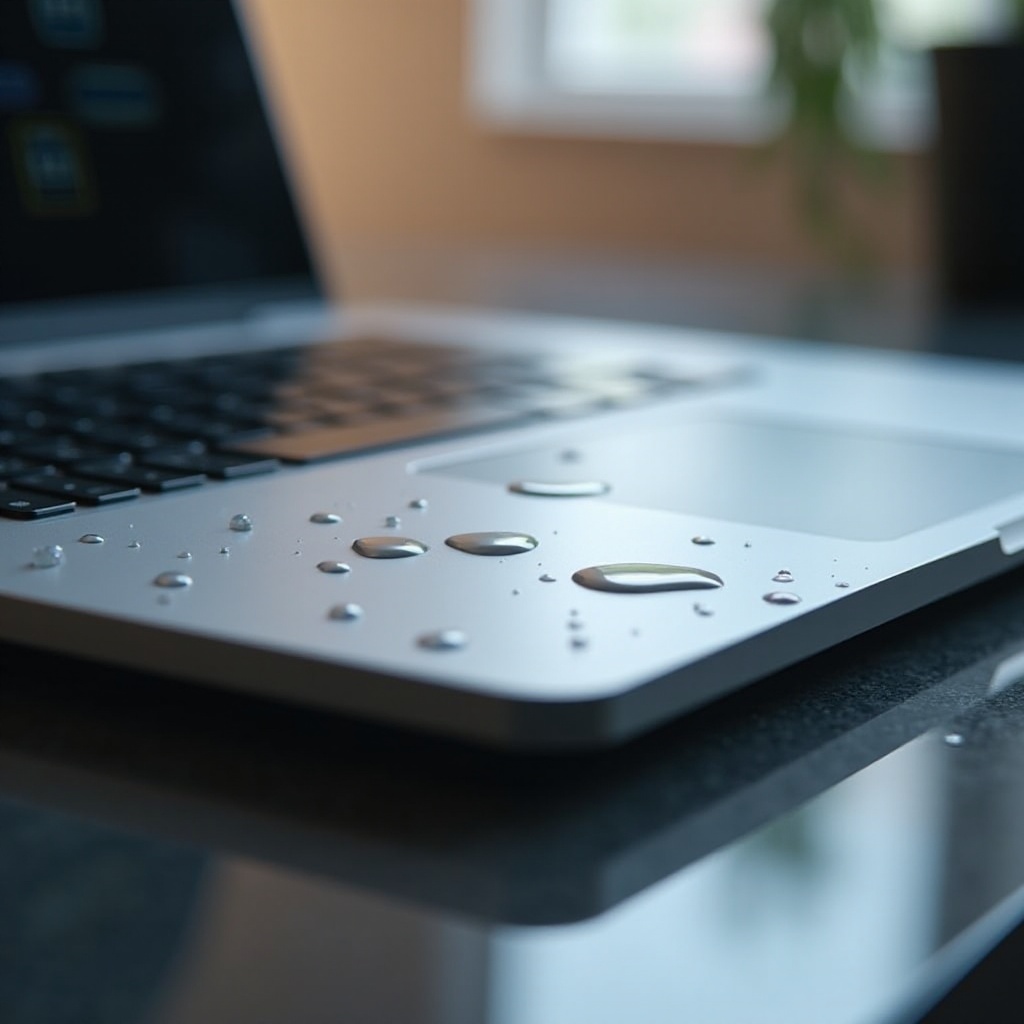
Understanding Water Damage
When water enters the MacBook Pro, it can lead to short circuits and corrosion, severely harming sensitive components. Recognizing the first signs is crucial. You might notice a flickering screen, strange noises, or unresponsive keys. Early identification enables a quick response, making the next step, immediate actions essential.
Immediate Actions to Take
- Power Off and Unplug: If your MacBook Pro comes into contact with water, power it off instantly and disconnect all attachments to prevent a short circuit.
- Remove Visible Water: Use a lint-free cloth to absorb any water on the surface. Be gentle to avoid pushing water into the device.
- Dry Your MacBook Pro Naturally:
- Position the laptop upside down on a towel, encouraging water to drain out.
- Let it air-dry in a cool, dry environment. Avoid artificial heat sources like hair dryers to prevent damage to internal parts.
These initial actions stabilize the situation, allowing you to focus on evaluating the extent of the damage.
Evaluating the Damage
Once you’ve minimized further exposure, it’s crucial to assess both superficial and internal damage. Carefully inspect the MacBook for moisture, especially around connector ports and the battery. This evaluation not only aids in understanding the damage but also assists in deciding between repair routes.

DIY Repair vs. Professional Help
Deciding whether to attempt a DIY repair or seek professional help is crucial. Attempting repairs on your own can be cost-effective, but it carries risks.
Pros of DIY:
– Cost-effective if solving minor issues
– Accessible for those with technical expertise
Cons of DIY:
– Potential to void warranties
– Risk of causing additional damage
When to Seek Professional Help:
– The MacBook fails to restart or displays errors after drying.
– Persistent issues with hardware components like the keyboard or trackpad.
Knowing when to transition from DIY attempts to professional services ensures your MacBook not only functions now but continues to perform well in the future.
Preventative Measures
Preventing future water damage is vital to maintaining your MacBook Pro’s longevity. Establishing a few preventive habits can greatly reduce risks:
– Designate your workspace as a no-liquid zone to keep drinks and liquids at a safe distance.
– Store your MacBook in an elevated, sheltered area when it’s not in use to avoid accidental spills.
These measures pave the way to a more robust protective strategy made up of specialized preventive tools and equipment.
Investing in Protection
Further enhance your MacBook’s resilience to water damage by investing in protective accessories:
– Choose durable, waterproof cases ideal for travel as well as everyday use.
– Use spill-resistant keyboards and consider protective skins, which guard against potential spills and add a buffering layer against water.
Such precautions are a wise investment, significantly boosting your MacBook Pro’s immunity to water-related mishaps while also enhancing its durability.

Conclusion
Quick action coupled with smart preventative investment shields your device from extensive water damage. By integrating these strategies, you equip yourself to handle emergencies effectively, ensuring a longer lifespan and smoother operation for your MacBook Pro.
Frequently Asked Questions
What are the first steps to take if my MacBook gets wet?
Immediately shut it off, unplug accessories, and dry the surface. Let it air-dry naturally.
Can a water-damaged MacBook Pro be repaired completely?
Repair success depends on damage severity and prompt response, but many cases see full recovery.
How can I prevent future water damage to my MacBook Pro?
Avoid liquids near the device, use protection accessories, and store it safely.