

 By
By Introduction
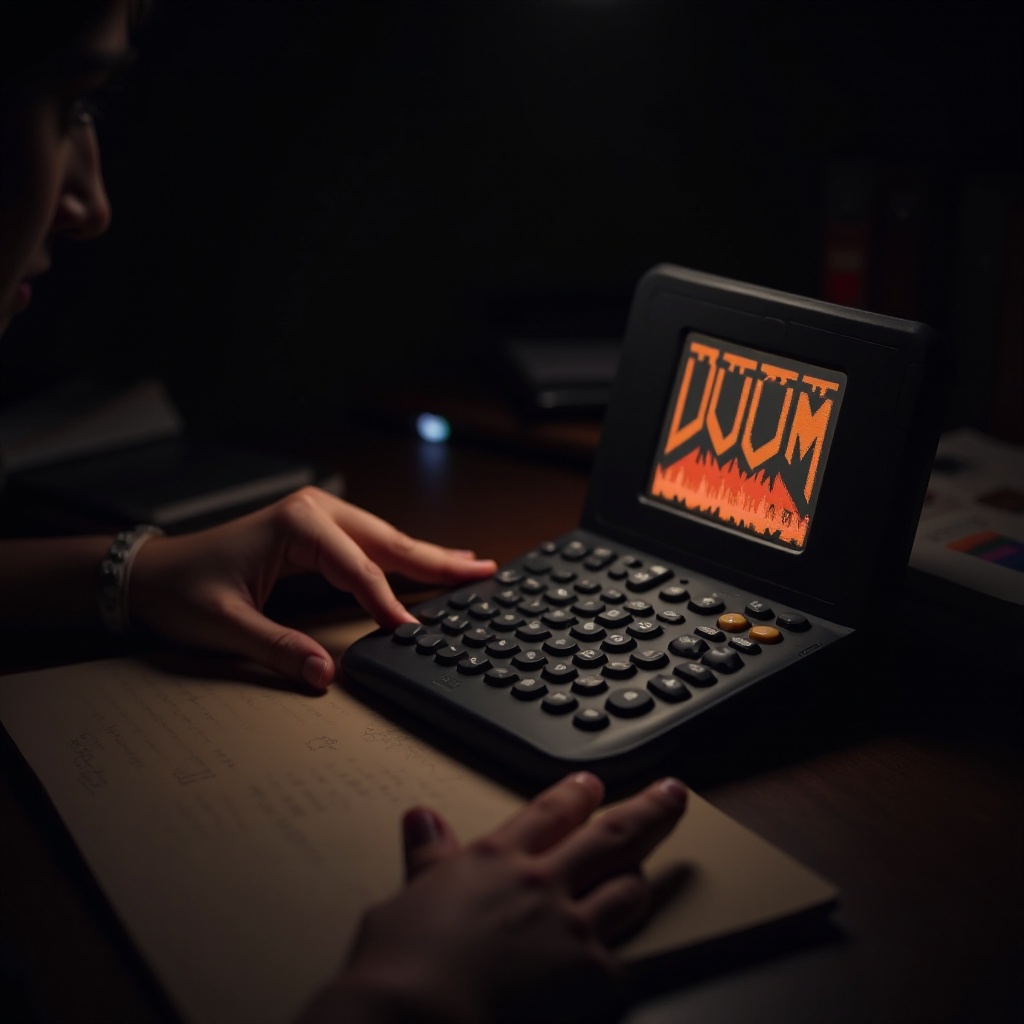
Do you have a passion for retro gaming and want to experience the classic Doom game in a new way? You’re in the right place. Our guide provides everything you need to know about playing Doom on a calculator. Transforming your calculator into a gaming device allows you to enjoy one of history’s most iconic games in a novel and exciting format. Ready to dive into the world of calculator gaming? Let’s get started.
Understanding Graphing Calculators
Graphing calculators offer more than just mathematical solutions; they can also serve as gaming platforms for the adventurous. Before setting up Doom, you need to grasp the basics of these calculators.
-
Compatible Calculator Models: The most suitable models for gaming include the Texas Instruments TI-84 Plus and TI-83 series, which provide the necessary processing power and storage capacity.
-
Basic Calculator Features: These calculators have an operating system capable of supporting simple gaming applications. They allow file transfers and have programmable keys that make gameplay possible.
With an understanding of these elements, you’re ready to prepare your calculator for Doom.
Preparing to Play Doom
Setting up Doom on your calculator requires proper tools and confirmation of compatibility.
-
Required Tools and Software: Gather a connection cable or USB (based on your calculator model), a computer for downloading files, and TI-Connect software to handle file transfers.
-
Checking Compatibility: Verify that your calculator has the latest operating system to support gaming applications effectively.
Having prepared your calculator, follow these steps for installation.
Installation Guide for Doom on Calculators
Installing Doom on a calculator involves several precise steps. Follow these carefully:
-
Downloading the Necessary Files: Websites like TI Planet or Cemetech offer the required files. Look for packs such as ‘Doom.zip’ containing executable game data.
-
Transferring Files to Your Calculator: Connect your calculator to your computer using the appropriate cable. Use TI-Connect to upload the Doom files onto your calculator. Make sure to place them in the correct directory for execution.
-
Configuring Settings for Optimal Play: After transfer, run the application to ensure it operates correctly. Tweak settings as needed to optimize performance, focusing on screen brightness and control responsiveness for an enjoyable experience.
Now, you’re ready to experience Doom gameplay on your calculator.
Gameplay Experience on a Calculator
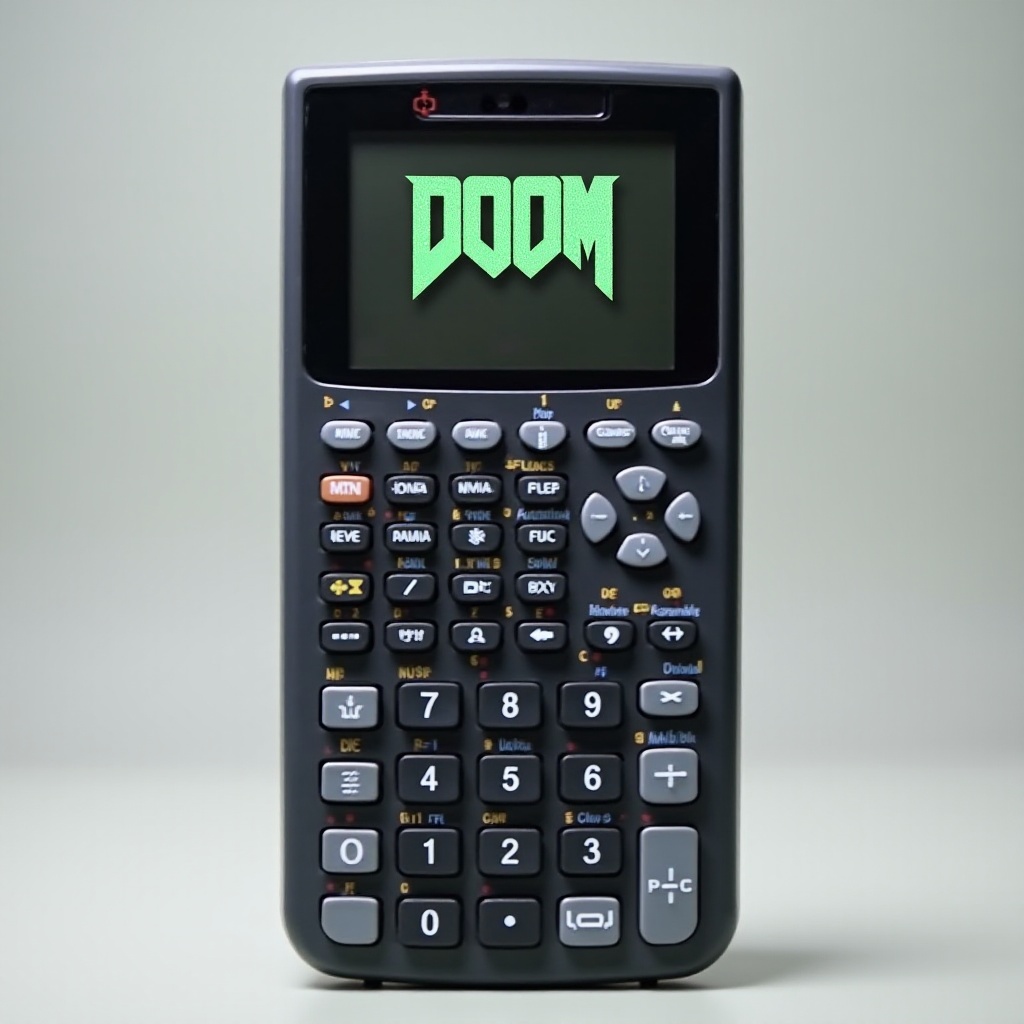
Playing Doom on a calculator offers a compact yet thrilling gaming experience.
-
Basic Controls and Navigation: Utilize the calculator’s programmable keys for movement, attacks, and other game actions. Familiarize yourself with these controls to optimize your gameplay.
-
Tips for an Enhanced Experience: Play in environments with sufficient lighting to avoid screen glare. Regularly save your progress to prevent data loss, and experiment with different control sensitivity settings for improved performance.
If you encounter issues, follow the troubleshooting steps outlined next.
Troubleshooting Common Issues
During gameplay, you may face various technical challenges. Here’s how to overcome them:
-
Installation Errors: If file transfers fail, double-check your cable connection between your computer and calculator. Ensure the calculator has ample memory for the game files.
-
Performance Optimization: If performance lags, try closing other active processes on your calculator. This action frees up memory and processing power, allowing the game to run more smoothly.
Addressing these common issues will enable uninterrupted enjoyment of your gaming experience.

Conclusion
Turning a graphing calculator into a gaming device offers a delightful blend of educational and recreational use. Whether you’re a fan of classic games or just curious about tech innovation, this guide equips you to embark on a unique gaming adventure. Enjoy blending nostalgia with modern tech in this engaging experience.
Frequently Asked Questions
Can I run Doom on any calculator model?
While it can run on some, Doom works best on Texas Instruments models like the TI-84 Plus and TI-83 series, which have the requisite capabilities for smooth gameplay.
Is playing Doom on a calculator legal?
Yes, if you have a legitimate game copy. Ensure any download sites adhere to legal standards for accessing the files.
What other games can be played on a calculator?
Apart from Doom, you can enjoy games like Tetris, Snake, and various homebrew titles, expanding your device’s entertainment options.