

 By
By Introduction
A spotless MacBook screen not only enhances the visual appeal of your device but also ensures optimal functionality. Over time, everyday usage, accidental spills, and environmental factors lead to various types of stains that can obscure your screen’s clarity and functionality. This guide provides practical methods for identifying different kinds of stains, safely cleaning them, and preventing their recurrence, ensuring that your MacBook screen remains in pristine condition.

Understanding the Types of Stains on MacBook Screens
To effectively tackle stains, it is crucial to understand what you are dealing with. Stains vary, and each type requires a specific cleaning approach.
- Fingerprint Smudges and Their Causes: Frequent usage results in inevitable fingerprint marks. The oils and residues from our hands create smudges that can obscure the screen.
- Liquid Spills: Coffee, Soda, and More: Whether it is a splash of coffee during a busy morning or an accidental soda spill, liquids are notorious for leaving stubborn marks that require careful attention.
- Dust and Environmental Particles: Dust accumulates unnoticed until it blankets your screen. Environmental particles, brought in by airflow or contact, can add to this layer over time.
Recognizing these types ensures you approach cleaning with the right methods, tailored to each kind.
Essential Tools and Preparations for Cleaning
Before diving into the cleaning process, gather the correct supplies. The right tools can significantly enhance cleaning effectiveness while minimizing the risk of damage.
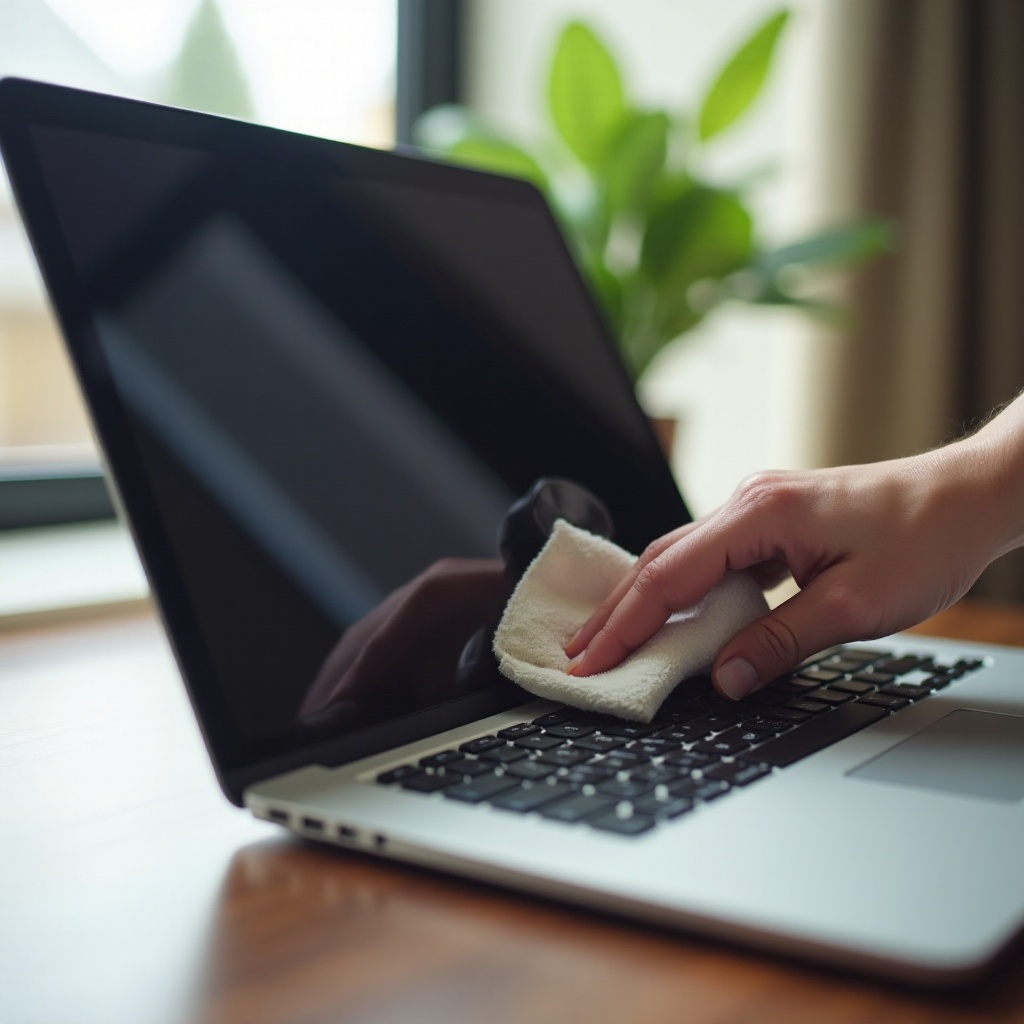
- Recommended Cleaning Tools and Materials: A microfiber cloth should be your primary cleaning tool. Coupled with a screen-safe cleaning solution, it effectively removes dirt without scratching the surface. Avoid abrasive materials that could generate scratches.
- Safety Precautions to Take Before Cleaning: Prioritize safety by turning off your MacBook and disconnecting any peripherals. This not only protects the device from moisture damage but also makes cleaning easier by clearly revealing all stains.
Now that you are prepared, let’s proceed to the step-by-step cleaning process.

Step-by-Step Guide to Cleaning Your MacBook Screen
Here are detailed steps for cleaning your MacBook screen safely and effectively:
- Initial Dust Removal Techniques:
- Use a dry microfiber cloth to wipe the screen gently, removing loose dust.
- Employ circular motions to lift off particles without causing streaks or scratches.
- Safe Cleaning Solutions: What to Use and Avoid:
- Moist a portion of the microfiber cloth with a few drops of a screen-safe solution or distilled water. Ensure the cloth is damp, not wet, to avoid moisture seeping into the screen edges.
- Carefully clean the stained areas, employing light circular motions to prevent streaks and protect the screen.
- Steer clear of aggressive cleaners containing alcohol, vinegar, or other harsh chemicals, as these can harm the screen’s protective coatings.
- Techniques for Avoiding Scratches and Damage:
- Maintain a gentle touch throughout the cleaning process to prevent pixel damage or scratching.
- Periodically inspect the cloth for debris, as trapped particles can inadvertently cause scratches during cleaning.
By integrating these practices into your routine, you will manage your screen’s cleanliness more efficiently and notice a substantial decrease in persistent stains.
How to Prevent Future Stains on Your MacBook Screen
Proactive prevention is key to maintaining your MacBook screen’s pristine condition—saving you both time and hassle in the long run.
- Regular Maintenance Tips:
- Establish a weekly or bi-weekly cleaning routine using the outlined procedures to prevent the buildup of stains and smudges.
- Encourage all users to wash hands before using the MacBook, reducing fingerprint marks and residue.
- Using Screen Protectors and Other Accessories:
- Consider investing in a high-quality screen protector to shield the screen from scratches and liquid spills.
- Utilize protective cases around your MacBook during travel or frequent movement to block environmental contaminants and prevent wear.
Adopting these habits ensures fewer stains over time and maintains your MacBook’s sleek, functional appearance.
Common Mistakes to Avoid When Cleaning Your MacBook Screen
Even with the best intentions, certain cleaning practices can inadvertently damage your screen:
- Avoiding Harsh Chemicals: Stay clear of using abrasive chemicals such as alcohol or ammonia-based cleaners. These can strip away your screen’s protective layer, causing permanent damage.
- Not Using Excessive Pressure During Cleaning: It’s tempting to apply force to remove stubborn stains. However, such pressure can result in screen damage or affect pixel sensitivity. Instead, repeated gentle scrubbing will yield better results.
Awareness of these common pitfalls will ensure your cleaning results are beneficial rather than detrimental.
Conclusion
Maintaining a spotless MacBook screen is crucial for both functional and aesthetic purposes. By adopting regular cleaning routines and using appropriate materials, you can significantly reduce the incidence of stains. Remember, a gentle touch and careful cleaning go a long way in preserving your device’s longevity and performance.
Frequently Asked Questions
What is the best cleaning solution for MacBook screens?
Specialized screen-cleaning solutions or distilled water with a microfiber cloth are recommended for safe cleaning.
How often should I clean my MacBook screen?
Cleaning every one to two weeks is ideal for preventing stain accumulation and maintaining screen clarity.
Can screen protectors prevent all types of stains?
Screen protectors offer significant protection against scratches and minor spills, but regular cleaning is still necessary to prevent residue buildup.