

 By
By Introduction
Monitor clouding can significantly hinder your viewing experience, leading to frustration and eyestrain. This comprehensive guide will provide you with the knowledge and tools to tackle clouding effectively. We will explore solutions, prevention strategies, and considerations for monitor replacement. By absorbing the insights offered in this article, you’ll be better equipped to ensure a flawless display in your home or office.
Understanding Monitor Clouding
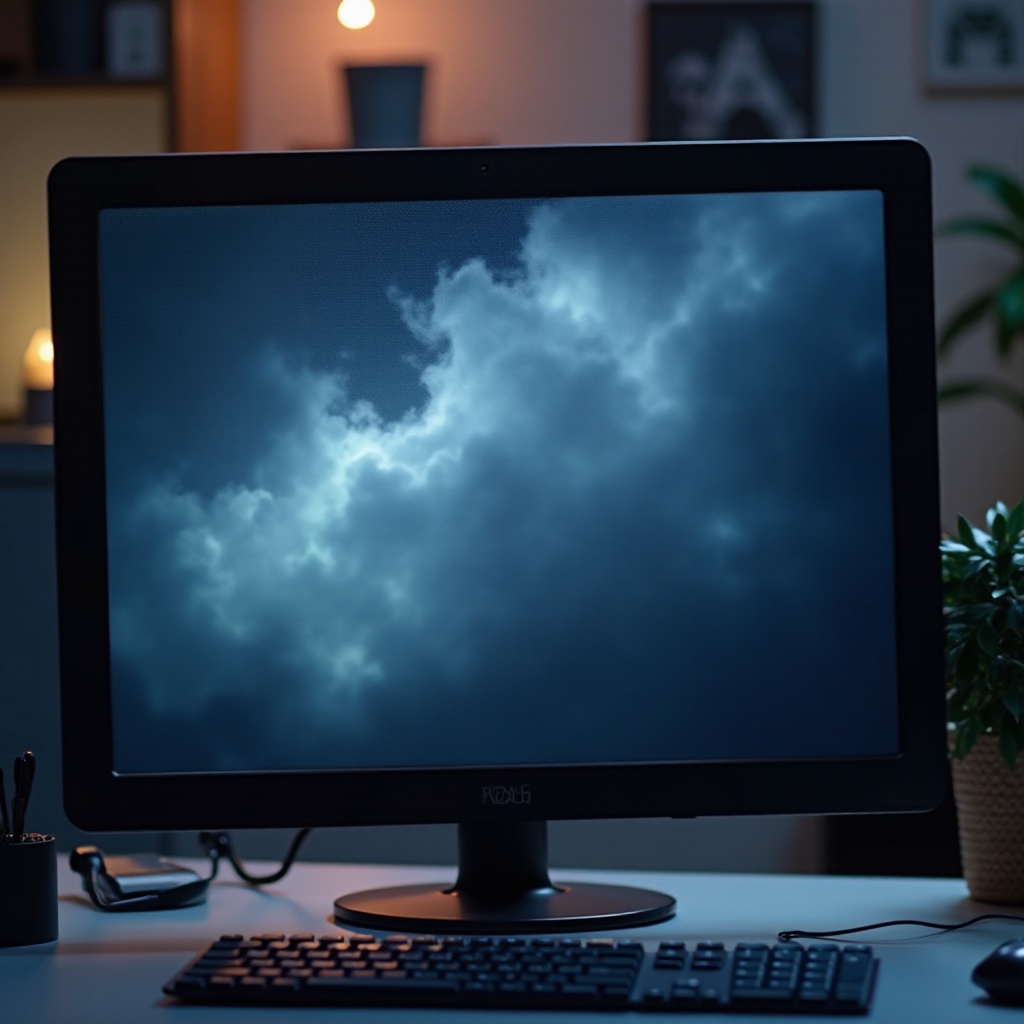
Monitor clouding is an issue that disrupts the uniformity of your screen’s brightness, appearing as uneven patches or dark spots. Identifying what causes it is the first step towards fixing it and restoring your screen’s quality.
What is Monitor Clouding?
Monitor clouding typically involves hazy or uneven patches that affect screen clarity. Often caused by a combination of factors, it is crucial to address the issue promptly to enjoy an optimal viewing experience.
Common Causes of Clouding in Monitors
Several elements contribute to clouding:
– Manufacturing defects can result in inconsistent screen displays.
– The natural aging and wear of components over time can exacerbate issues.
– Environmental effects such as humidity and temperature changes play a role in degradation.
Understanding these factors is key as they lay the groundwork for effectively diagnosing and addressing clouding challenges.
Symptoms and Diagnosis
Proper diagnosis is essential in resolving monitor clouding. Recognizing the symptoms and understanding their implications will lead to more accurate solutions.
How to Identify Clouding on Your Screen
To detect clouding:
1. Examine your monitor in various lighting settings to identify inconsistencies.
2. Look out for uneven patches or brightness levels while displaying a single color.
3. Document any patterns you observe for future reference.
Types of Clouding: Edge Clouding, Backlight Bleeding, and More
Various clouding types exist:
– Edge Clouding: Appears around the screen’s periphery.
– Backlight Bleeding: Manifested by light leaking through the edges of the display.
– Uneven Brightness: Distinct patches of brightness levels that differ across sections.
Grasping these distinctions will aid in selecting the correct solutions.
Quick Fixes for Monitor Clouding
Many clouding problems can be addressed with simple, cost-effective fixes. Before seeking advanced interventions, explore these quick solutions.
Adjusting Monitor Settings
Simple adjustments often provide relief from clouding:
– Lowering brightness and tweaking contrast levels can harmonize display settings.
– Use built-in color calibration tools or software for uniform color consistency.
Cleaning and Maintenance Tips
Regular cleaning can help improve screen visibility:
– Gently dust the monitor using a microfiber cloth.
– Clean thoroughly using monitor-safe cleaning solutions.
Ensuring Proper Ventilation
Adequate ventilation prevents overheating and exacerbation of clouding:
– Keep the area around your monitor clear to facilitate airflow.
– An adjustable stand can help improve ventilation around the device.
Advanced Solutions for Persistent Clouding
In more severe cases, advanced techniques may be necessary to resolve persistent clouding issues.
Backlight Adjustment Techniques
Backlight settings can be crucial in tackling clouding:
– Access your monitor’s menu to modify backlight options.
– Adjust settings to achieve a more even light distribution.
Updating Monitor Firmware
Up-to-date firmware can resolve issues and improve performance:
– Visit your monitor manufacturer’s website for the latest updates.
– Follow the specified instructions to correctly update the firmware.
When to Seek Professional Help
If you’ve tried all home solutions without success, it may be time for professional assistance:
– Consult authorized service centers to explore expert options.
– Evaluate the costs of professional repairs versus replacement.
Preventative Measures to Avoid Future Clouding
Mitigating future issues is as important as tackling present ones. Through careful prevention, you can maintain monitor quality over time.
Maintaining the Optimal Environment
Create a stable environment for your monitor:
– Avoid placing it in humid or excessively warm areas.
– Set up in rooms with consistent and moderate temperatures.
Regular Monitor Maintenance
Consistent upkeep is essential:
– Dusting and cleaning should be regular practices. Aim for every few weeks.
– Periodically recalibrate for consistent color accuracy.
Tips on Purchasing Clouding-Resistant Monitors
If shopping for a new monitor, consider:
– Models with robust reviews on durability and longevity.
– Inquire about warranties and return policies regarding display issues.

Is It Time to Replace Your Monitor?
Beyond immediate fixes, sometimes the best course is a full monitor replacement. Evaluating this option might lead to more sustainable long-term solutions.
Evaluating the Severity of Clouding
Assess your monitor’s condition:
– Consider the impact of clouding on usability and the length of time you’ve owned the device.
– Balance persistent issues against potential improvements from replacement.
Cost of Repair vs. Replacement Options
Weigh repair and replacement costs:
– Calculate potential repair expenses.
– Compare these to the costs of acquiring a new, updated monitor.
Conclusion
You’ve now gained a thorough understanding of monitor clouding, its causes, and solutions to address it. With this information, you’re better prepared to undertake effective fixes or make informed decisions about replacements, ensuring clear and vibrant screen quality in the long run.
Frequently Asked Questions
What are the Long-term Effects of Monitor Clouding?
Long-term effects may include persistent visual discomfort and a diminished viewing experience but usually do not harm hardware.
Can All Types of Clouding be Fixed at Home?
Most minor issues can be managed at home, but persistent problems might require professional help.
How Often Should I Clean My Monitor to Prevent Clouding?
Aim to clean your monitor every few weeks to maintain clarity and prevent dust accumulation.