

 By
By Introduction
An iPhone’s power button is crucial for daily operations, from turning the device on and off to capturing screenshots. It’s frustrating when it ceases to function properly. If you’re facing issues with your iPhone power button, don’t rush to conclusions—there are various solutions available. Let’s delve into the reasons behind the problem and explore effective ways to address it.
Understanding the Problem
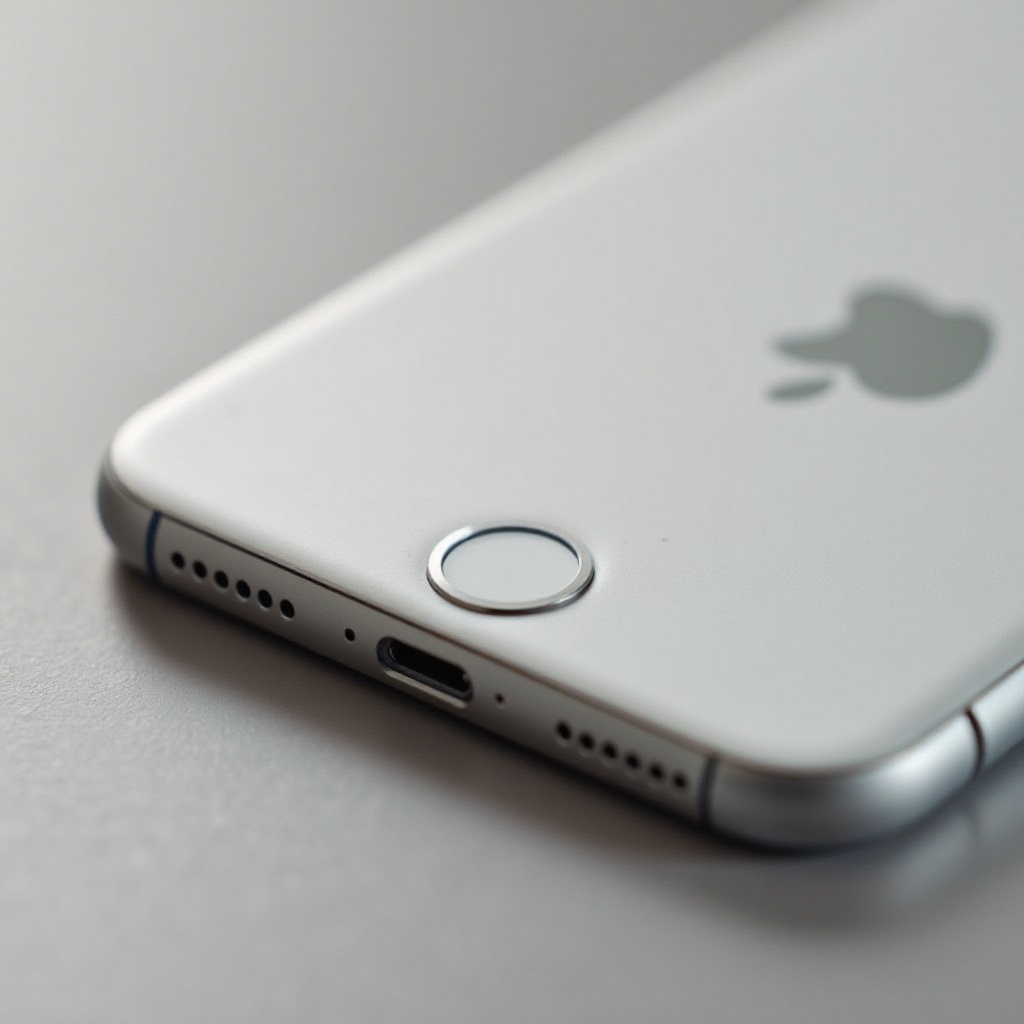
Before diving into solutions, it’s essential to grasp the problem’s root causes. The power button on an iPhone may become faulty due to cumulative wear, exposure to dirt, or internal damage.
- Common Causes of a Broken Power Button: Continuous use, exposure to dirt or moisture, and faulty components can all contribute to a malfunctioning power button.
- Symptoms and Indicators of Power Button Issues: Symptoms include difficulty in pressing, unresponsiveness, or a button that feels stuck.
Understanding these causes helps formulate appropriate solutions. Let’s start with some immediate, software-based remedies.
Quick Software Fixes
When a hardware issue arises, software can sometimes provide a temporary lifeline. Here are some immediate software solutions:
- Enabling AssistiveTouch on Your iPhone:
- Open ‘Settings’ on your iPhone.
- Go to ‘Accessibility’ and tap ‘Touch.
-
Select ‘AssistiveTouch’ and activate it.
AssistiveTouch provides an on-screen button to help manage tasks that usually require the power button. -
Utilizing Siri for Power Button Functions:
- Ensure Siri is enabled in your settings.
- Use commands like ‘Hey Siri, lock my screen.
These software solutions can be temporary fixes. If you still experience issues, you might need hardware solutions.
Temporary Hardware Solutions
If software solutions aren’t enough, consider temporary hardware approaches to manage the power button issue:
- Using a Case with Built-in Power Button Support: Some cases offer enhanced button access, providing a temporary workaround.
- Applying Pressure or Using a Small Key Tool: Sometimes, carefully applying pressure near the power button can reactivate its functionality. Use a small key tool for delicate guiding, but exercise caution to avoid damage.
While these solutions might help to some extent, let’s delve into some do-it-yourself options before seeking professional repair.
DIY Fixes and Troubleshooting
If you’re comfortable with a bit of tinkering, DIY methods can help restore your power button’s functionality:
- Cleaning Methods for Obstructed Buttons: Dust and grime buildup may obstruct the button. Use a toothpick or small brush for gentle cleaning.
- When to Attempt DIY Repairs: If cleaning fails, consider opening the device for further inspection. However, be cautious as this could void warranties or introduce new problems.
If none of these fixes are viable, it’s advisable to move on to professional repair options.
Professional Repair Options
If simpler solutions don’t resolve the issue, professional assistance might be necessary:
- Deciding Between Repair and Replacement: Consider repair costs against the price of a new phone. If repairs exceed half the phone’s value, replacing it might be more economical.
- Finding a Reliable Repair Service: Opt for authorized service centers or reputable third-party providers. Check reviews and compare quotes to ensure quality service.
Even if you opt for professional repairs, preventive measures can help avoid recurrence.
Preventive Measures
Preventing a problem is always preferable to fixing one. Here’s how to maintain your iPhone’s power button:
- How to Protect Your Power Button from Future Damage: Use protective cases and avoid exposing your phone to harsh environments like dust and moisture.
- Daily Habits to Maintain Button Functionality: Regular cleaning and cautious handling can prolong the button’s life.
By adopting these preventive steps, you can avoid costly repairs and keep your phone in optimal condition.
Conclusion
Having a malfunctioning iPhone power button can be burdensome, but it’s not insurmountable. By exploring software and hardware solutions—alongside DIY measures—you can often resolve the issue yourself. If all else fails, professional repair is a viable option. Ultimately, preventive care can reduce the risk of future malfunctions, ensuring your iPhone remains fully functional.
Frequently Asked Questions
Can I Turn on My iPhone Without a Power Button?
Yes, you can turn it on by connecting it to a charger, or by using AssistiveTouch in your settings.
How Much Does It Cost to Repair an iPhone Power Button?
Repair costs generally range from $50 to $150, based on the model and extent of damage.
Is It Worth Repairing or Replacing My iPhone with a Broken Power Button?
It depends on the phone’s age and repair cost. If repair costs near the price of a new phone, replacement may be more cost-effective.