

 By
By Introduction
Gaming with an Xbox should be seamless, yet joystick issues can interrupt this experience. When your controller malfunctions, it disrupts not just your game, but also your immersion. Knowing how to fix Xbox joystick problems is an asset for any gamer. With straightforward tools and expert advice, many of these issues can be resolved at home, sparing you from unnecessary professional help. This guide will lead you through recognizing, troubleshooting, and maintaining your Xbox joystick, ensuring it’s game-ready whenever you are.
Identifying Common Xbox Joystick Issues
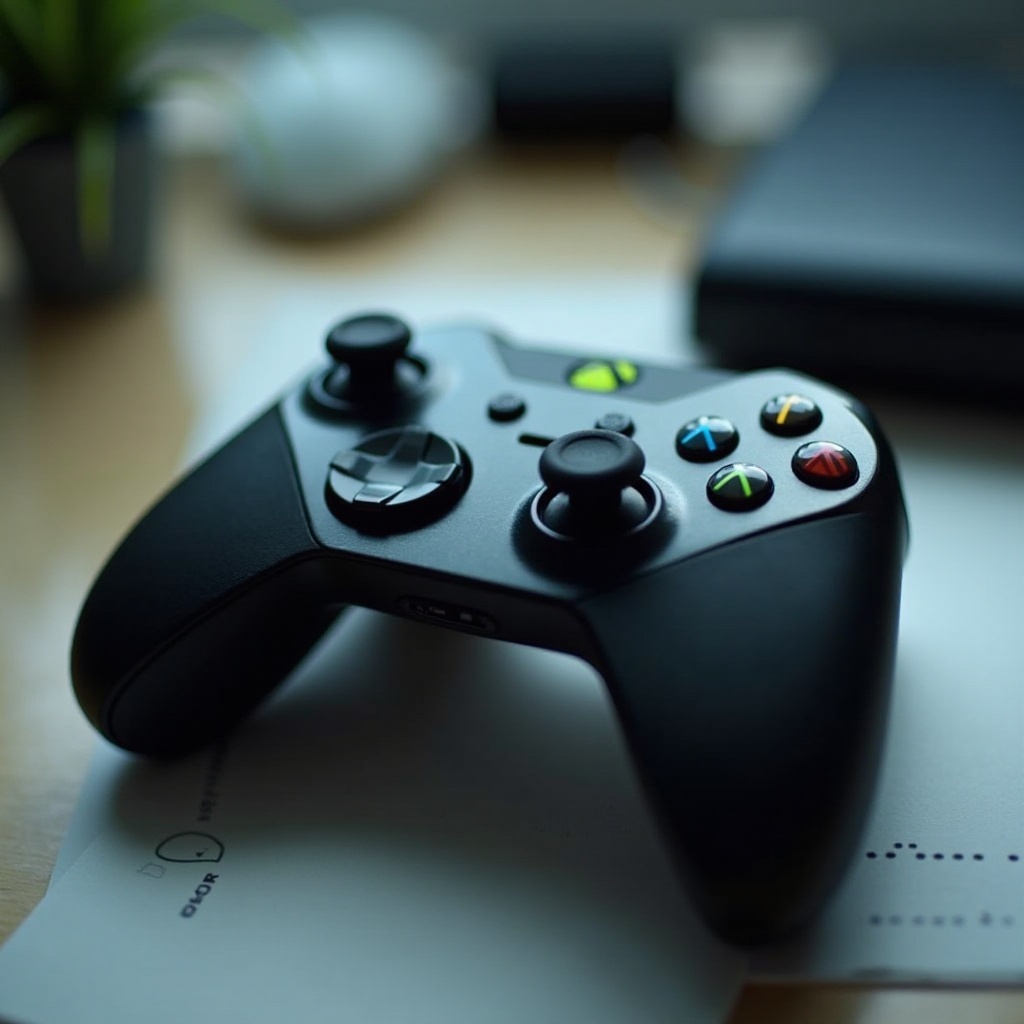
Before attempting repairs, you need to pinpoint the issue at hand. Common problems include joystick drift, where movements occur without input, sticky buttons that delay responses, and connectivity problems disrupting your game.
- Joystick Drift: If your character inexplicably moves in-game, this might be the cause.
- Sticky Buttons: Buttons are difficult to press or slow to pop back up.
- Connection Issues: Random disconnections occur during play.
Being able to identify these problems is the first step in effective repairs.
Basic Troubleshooting Steps
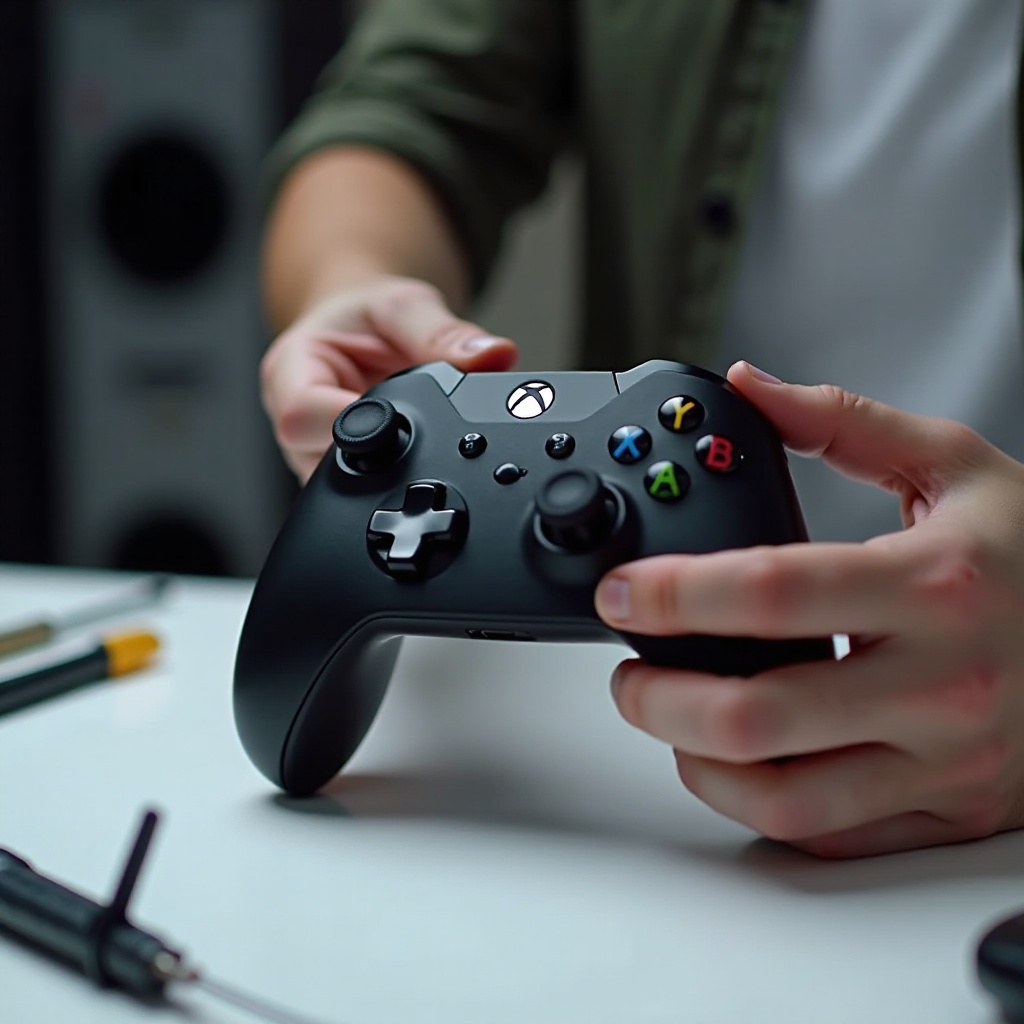
After identifying potential issues, basic troubleshooting can offer immediate relief. These small steps can frequently solve minor but frustrating problems.
- Cleaning Your Joystick: Dirt can lead to drift and sticky buttons.
- Power off the controller and remove any batteries.
-
Use a slightly damp cloth or cotton swab with isopropyl alcohol to clean around the joystick and button areas, moving the joystick in circles gently to clean all angles.
-
Updating Firmware: Outdated firmware may cause performance issues.
- Connect your controller to your Xbox or PC using a USB cable.
- Ensure you’re connected to the internet, then update your controller via the ‘Devices & connections’ section.
These methods often resolve surface-level issues and can significantly improve controller function.
Advanced Repair Techniques
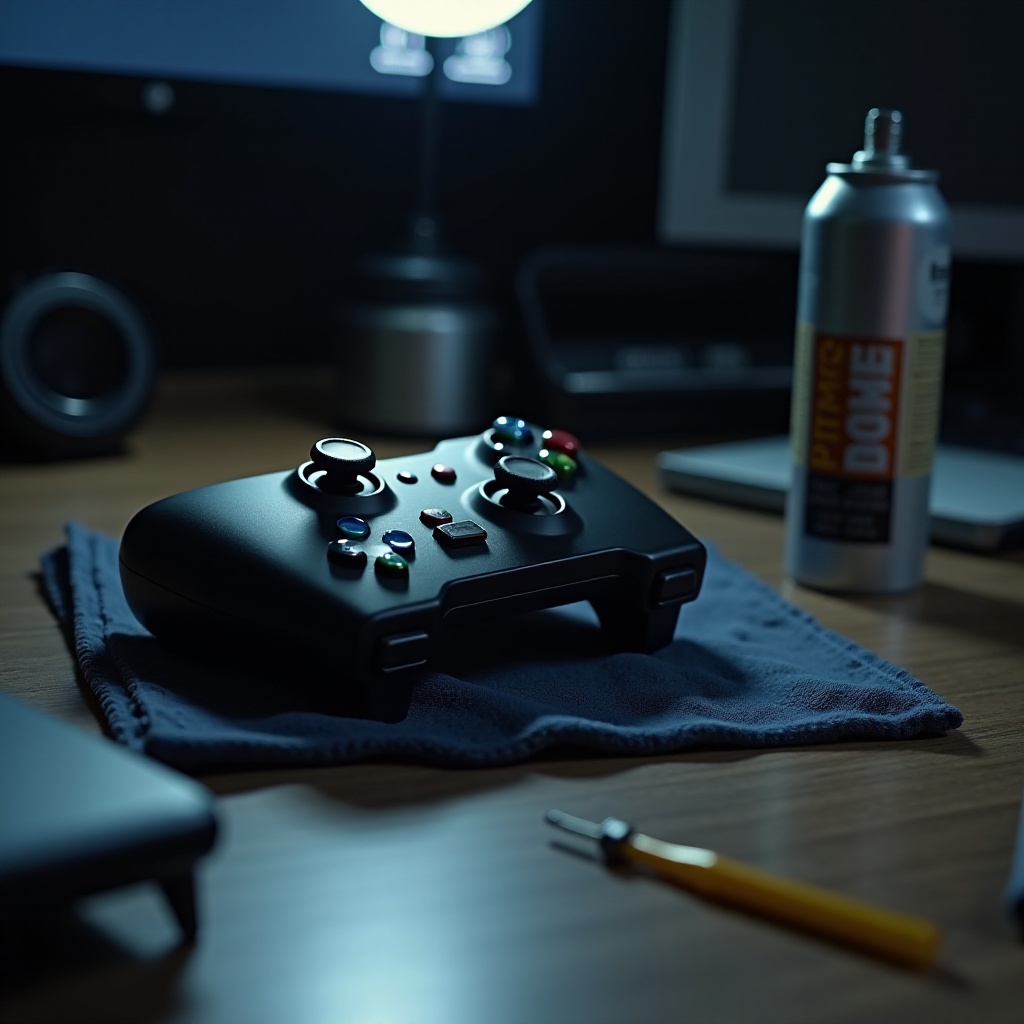
If basic fixes don’t alleviate the issues, it’s time for more advanced methods. Approaching these repairs requires caution and some technical knowledge.
- Disassembling the Joystick: Begin by carefully opening your controller.
- Use a precision screwdriver set to remove the back screws of the controller.
-
Gently pry apart the case, revealing the internal components.
-
Replacing or Repairing Internal Components: Address more serious issues here.
- Persistent drift? Consider replacing the joystick module, available online.
-
Disconnect the old module carefully and attach the new one.
-
Reassembling and Testing: Ensure everything is back in place.
- Reattach everything, ensuring screws are secure.
- Install batteries and test the controller to confirm successful repairs.
These steps may take patience and care but can address deeper issues effectively.
Preventive Maintenance Tips
Effective repairs are only part of the solution—maintenance is key to avoiding future issues. By incorporating a few simple habits, you can extend your controller’s lifespan.
- Regular Cleaning Schedule: Keep dirt and dust at bay with monthly cleanings.
-
Routine dusting and cleaning can prevent buildup that leads to problems.
-
Proper Storage Techniques: Your controller’s environment matters.
- Store in a cool, dry place; avoid dusty or wet areas.
Adopting these practices can help prolong the life of your controller, ensuring it’s ready when you are.
When to Seek Professional Help
If your attempts at fixing the joystick result in new problems, professional assistance might be necessary. Balancing repair costs against the price of a new controller can prove advantageous. Recognizing when a problem is beyond your skillset saves both money and further frustration in the long term.
Conclusion
The key to optimizing your Xbox gaming experience lies in maintaining a well-functioning controller. Tackling issues head-on with effective troubleshooting, undertaking repairs when needed, and adhering to consistent maintenance practices can keep your controller—and your game—running smoothly. Whether you choose to fix issues personally or consult a professional, ensuring your Xbox joystick remains operational is essential for uninterrupted gameplay.
Frequently Asked Questions
How do I fix joystick drift on an Xbox controller?
Joystick drift often resolves by cleaning the joystick with isopropyl alcohol. If not, replacing the joystick module might be necessary.
What tools do I need to repair my Xbox joystick?
You’ll need a small screwdriver, plastic pry tool, and isopropyl alcohol with cotton swabs.
Can cleaning my Xbox joystick prevent future problems?
Regular cleaning can prevent issues like drift and button stickiness, prolonging the controller’s lifespan.