

 By
By Introduction
The Xbox 360 is cherished by many for its rich gaming experience, but a jammed disk tray can quickly halt your fun. This problem often arises from common issues like dirt and dust accumulation, or it might be due to mechanical wear over time. Addressing this issue promptly is vital to ensure that your gaming console continues to operate smoothly. We’ll explore the reasons behind a jammed disk tray and provide actionable solutions to help you get back to enjoying your games.
Understanding the Problem
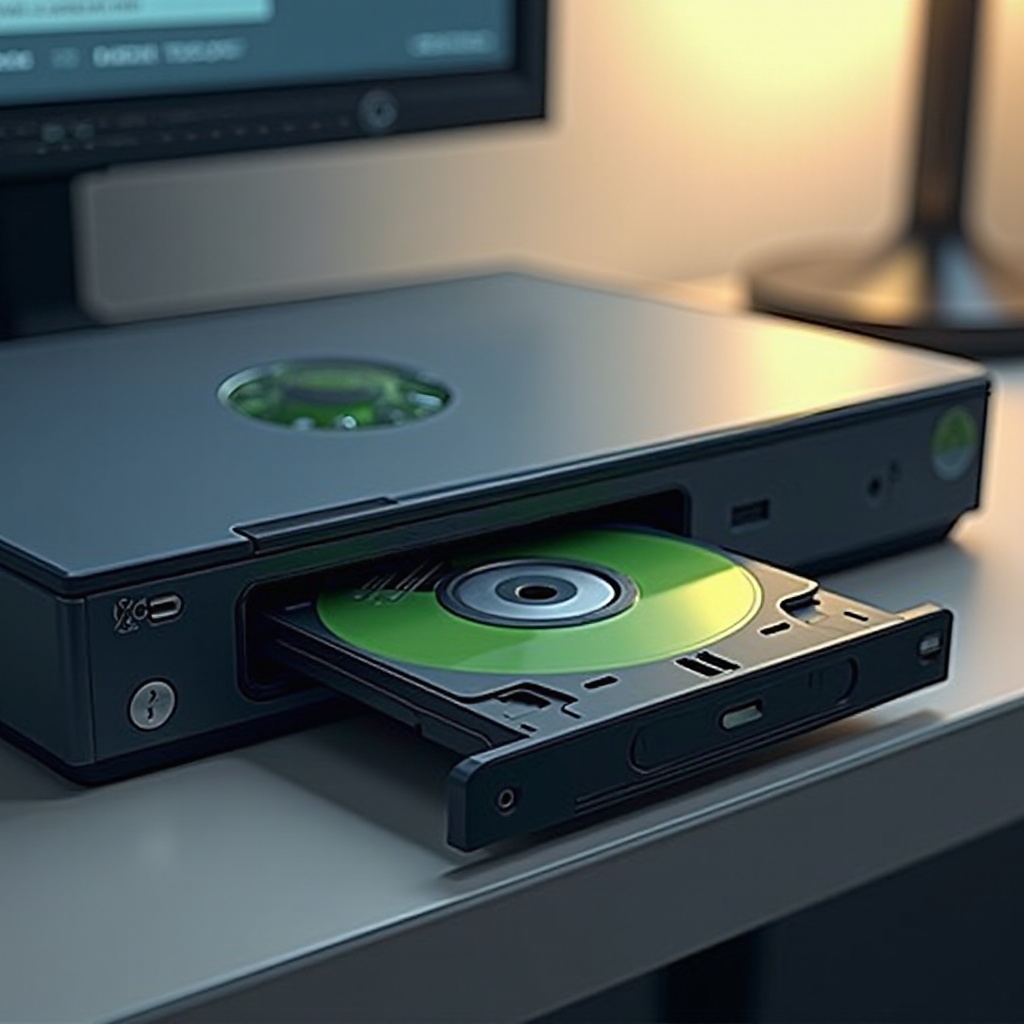
A jammed disk tray can be incredibly frustrating. In many cases, dust and debris lead to obstructions that cause the tray to stick. Alternatively, frequent use can lead to mechanical misalignments. At times, software issues can also contribute, freezing the tray mechanism. Identifying the cause is crucial as it shapes your approach to repair. Before delving into fixing your device, ensure you have a clean workspace and basic tools like a small Phillips head screwdriver and canned air.
Safety Precautions Before You Start
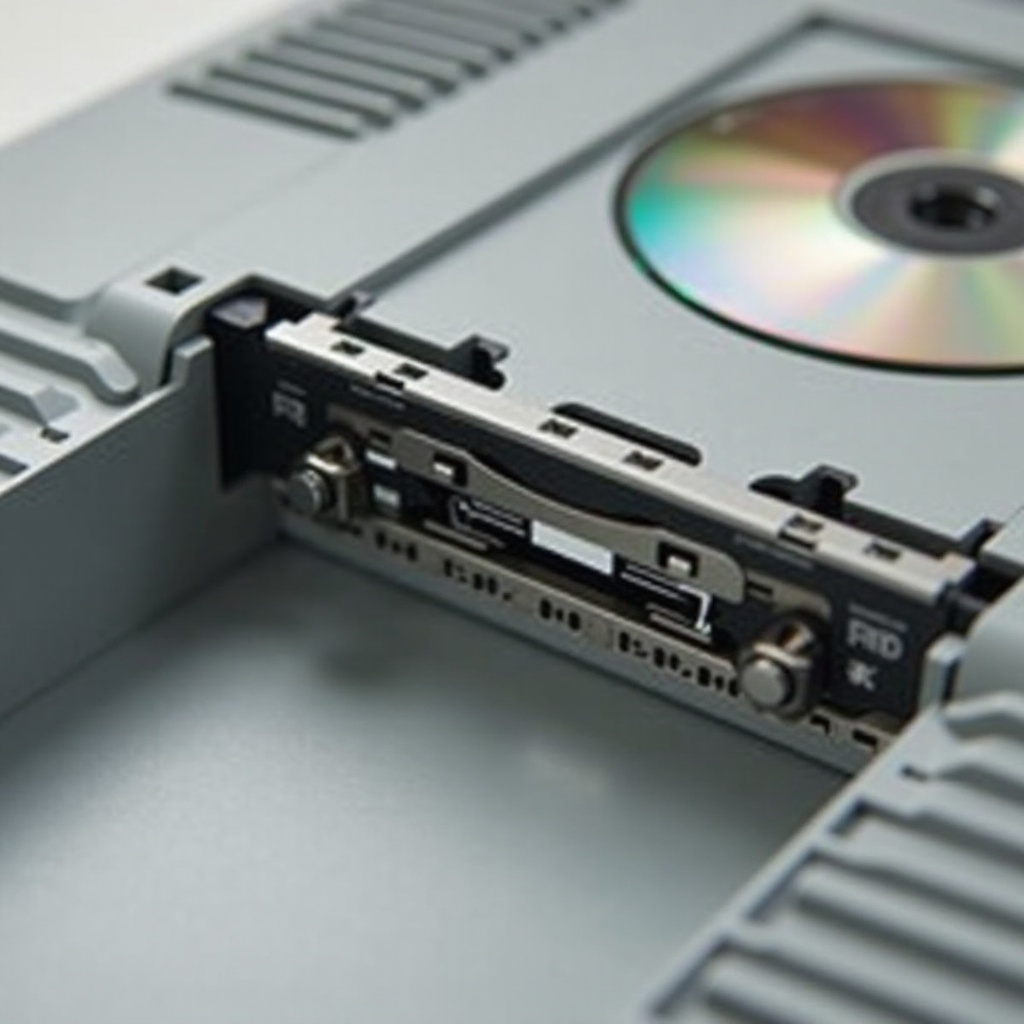
Safety should always come first when working with electronics. Make sure the Xbox 360 is powered off and unplugged to avoid any electrical risks. Gather all necessary tools, such as a non-abrasive cloth and lubricants safe for plastic components. These preparations ensure you can handle the task without causing additional harm to your console.
Step-by-Step Guide to Fix the Disk Tray
-
Power Off and Unplug the Xbox 360: Begin by completely disconnecting your console from its power source, ensuring it’s safely shut down.
-
Manually Eject the Disk: Using a straightened paperclip, carefully insert it into the small pinhole on the console’s front. Apply gentle pressure until the tray releases slightly, allowing you to pull it out fully.
-
Inspect for Visible Obstructions: With the tray open, use a flashlight to search for visible dirt or objects causing blockage. Carefully remove any obstructions to facilitate smooth movement.
-
Clean the Disk Tray: Employ canned air to blow away debris from the disk tray and surrounding open areas. Wipe the tray’s edges using a non-abrasive cloth to eliminate remaining dust particles.
-
Lubricate the Gears (if necessary): If the tray still proves stubborn, apply a tiny amount of plastic-compatible lubricant to the tray’s gears, being cautious not to overuse, which could attract more dust.
-
Reassemble and Test the Console: Gently push the tray back into the console until you feel it lock into place. Reconnect your device to the power source and test the tray operation by inserting a disk, ensuring smooth functionality.
Troubleshooting Persistent Issues
If the disk tray remains problematic after following these actions, a deeper mechanical fault might be the culprit. Ensure your Xbox 360 system software is current, as updates can sometimes resolve these kinds of issues. Persistent problems may require the expertise of a professional. Specialists can perform detailed diagnostics to uncover underlying issues and implement more sophisticated repair solutions, restoring your console’s functionality.

Preventive Maintenance Tips
Regular maintenance is key to avoiding recurring issues with your Xbox 360 disk tray. Regularly clean your console to prevent dust accumulation and handle disks with care to avoid introducing foreign debris into the system. Ensure your console is stored in a dry, clean environment, and refrain from moving it while a disk is engaged to prevent mechanical disruptions.
Conclusion
Addressing a jammed disk tray need not be a daunting process. With careful steps and regular maintenance practices, you can easily keep your Xbox 360 in prime condition. By incorporating these tips into your routine, you ensure prolonged gaming enjoyment with minimal interruptions.
Frequently Asked Questions
Why does my Xbox 360 disk tray keep getting jammed?
Your disk tray may jam due to dirt, foreign objects, or mechanical wear. Regular cleaning helps prevent these problems.
Can I fix a jammed Xbox 360 disk tray myself?
Yes, many causes of a jammed tray can be resolved with the right tools and patience. Follow our guide for safe troubleshooting.
How much does professional repair for an Xbox 360 disk tray cost?
Expect repair costs to range between $50 to $100, depending on the extent of the damage and the service provider.