

 By
By Introduction
TV speakers crackling can be a frustrating disruption to your entertainment experience. Watching your favorite show can become an irritant when plagued by crackling noises interrupting the sound clarity. In this article, we explore the typical causes of these audio issues and provide actionable solutions you can follow. Whether you are interested in some do-it-yourself fixes or considering external audio systems, you’ll find helpful advice here to improve your TV’s sound quality. Let’s address the issue and work towards a more immersive audio experience.
Understanding TV Speaker Crackling
Before jumping into fixing methods, it’s important to grasp when crackling often occurs and why pinpointing the issue is crucial. Crackling sounds may happen during certain scenes, at specific volume levels, or even due to environmental factors. Your awareness of these patterns is a key step towards resolving the problem effectively. Pinpointing the source of the problem allows you to tailor the solution, which might vary from a simple tweak to a professional fix. This understanding prepares us to effectively address the root causes of these disruptions.
Causes of Crackling TV Speakers
There are multiple reasons why your TV speakers might produce crackling sounds:
– Electrical Interference: Nearby electronic devices can disrupt the audio signal leading to crackling sounds.
– Physical Wear on Speakers: Over time, speakers can wear out, leading to distorted audio output.
– Audio Cable and Connection Issues: Loose or damaged cables can significantly affect audio quality.
– Internal Software or Hardware Faults: Sometimes, crackling may be due to internal errors related to the TV’s software or hardware connections.
Understanding these potential causes is crucial for tackling the problem with precision. With these in mind, let us explore do-it-yourself methods to troubleshoot the issues before seeking professional help.
DIY Troubleshooting Steps
Here are steps you can attempt to potentially resolve the issue yourself:
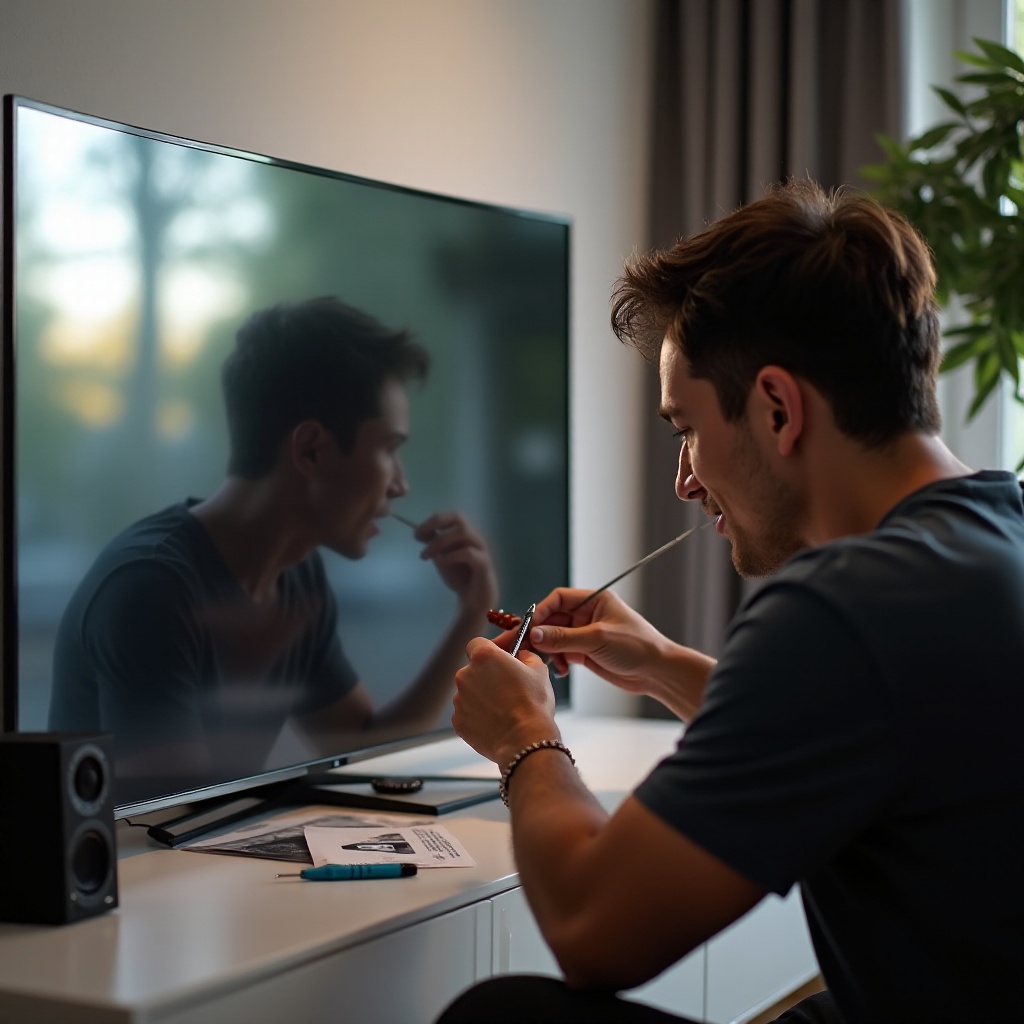
1. Checking and Replacing Audio Cables: Start by examining your audio cables. Damaged or frayed cables can affect sound clarity, and replacing them might solve the problem instantly.
2. Running Audio Diagnostics: Use your TV’s in-built audio diagnostic tools to detect potential internal issues. This might highlight any software or hardware faults contributing to the crackling sound.
3. Adjusting TV Audio Settings: Explore different audio settings on your TV. Adjusting sound modes or equalizer settings can sometimes help alleviate the crackling.
These DIY troubleshooting steps often solve common audio issues. However, if the problem persists, consider upgrading to an external audio system for better sound quality.
Utilizing External Audio Systems
Persistent crackling despite troubleshooting efforts may indicate the benefit of upgrading to external audio systems, such as soundbars or home theater systems:
– Benefits of External Speakers and Soundbars: Often provide superior audio quality, eliminating inherent issues with built-in TV speakers.
– Integration Tips for Optimal Sound Quality: Ensure proper setup and connection to optimize performance and reduce possible interference.
Investing in an external audio solution not only resolves the crackling problem but also significantly enhances your overall entertainment experience.

When to Seek Professional Help
If none of the above solutions work, you might be dealing with more complex hardware issues. Spotting serious issues like damaged components or unfixable software glitches requires professional intervention:
– Identifying Serious Hardware Issues: If symptoms persist despite troubleshooting and adjustments, it’s advisable to consult a professional.
– Evaluating Cost-Effectiveness of Repairs: Before deciding on repairs, consider whether it is more economical to repair or replace your equipment.
Professional evaluation ensures your issues are resolved efficiently and effectively, saving time and potential future problems.
Preventive Measures for Optimal Audio Performance
After resolving current issues, it’s important to adopt preventive strategies to avoid future audio disruptions:
– Regular Maintenance Tips: Routine inspections of connections, speaker grills, and software updates can maintain peak performance.
– Proper Setup for TV and Speakers: Optimal placement of your TV and speakers can prevent interference and enhance sound quality distribution.
Implementing these preventive measures will not only ensure a clear audio experience but also extend the life of your audio equipment, keeping future disruptions at bay.
Conclusion
In summary, tackling TV speaker crackling can enhance your audio experience significantly. By understanding typical causes and implementing DIY fixes, you take charge of improving sound clarity. When needed, exploring professional help and preventive tips ensures sustained performance. Prioritize maintaining and upgrading your audio setup for an enhanced viewing experience. Dive into the world of clear, uninterrupted sound today and hear the difference for yourself!
Frequently Asked Questions
What should I do if my TV speakers start crackling?
If your TV speakers start crackling, try checking and replacing audio cables, adjusting the audio settings, and running diagnostic tests to identify the issue.
Can crackling speakers damage my TV?
Crackling itself usually doesn’t damage your TV, but unresolved underlying issues like faulty wiring or hardware faults could lead to larger problems if ignored.
Are external speakers a better solution for avoiding crackling?
Yes, external speakers or soundbars often provide superior audio quality and can bypass internal issues that cause crackling in TV speakers.