

 By
By Introduction
Bose SoundLink speakers offer exceptional sound quality and portability, making them a favorite for music lovers. However, encountering issues where the speaker does not turn on can be quite vexing. This guide provides detailed troubleshooting steps to help you address these issues and restore your speaker’s functionality, ensuring you’re back to enjoying your music without delay.
Basic Troubleshooting Steps
When faced with the unresponsiveness of your Bose SoundLink speaker, the first step is to undertake basic troubleshooting measures. Start by focusing on the power supply and connections, crucial for determining the root of the problem.
- Check Battery and Charging Connection:
- Ensure the speaker is properly connected to a reliable power source. Verify the functionality of the power outlet by plugging in a different device.
- Inspect the charging cable for any visible signs of damage, such as fraying or cuts. Replace the cable if any wear is detected to ensure a firm connection.
- Examine the USB port on the speaker for any obstructions or damage. Ensuring a secure and clean connection can often resolve power-related issues.
With these basic checks completed, attempt to power on the speaker. If it still doesn’t respond, consider the following advanced charging solutions.
Advanced Charging Solutions
Should the initial troubleshooting not yield results, delve deeper into examining the charging accessories. Faulty accessories can often be the culprits in power issues.
- Inspecting Charging Accessories:
- Evaluate the condition of your charging cable diligently. An intact, damage-free cable is vital. If possible, use an alternative cable to rule out the possibility of cable failure.
- To test the USB port’s capability, connect it with a different device to ensure it’s functioning correctly and is not the root of the problem.
Taking these steps can often breathe new life into your speaker. However, if issues persist, battery and power management complications might be at play.
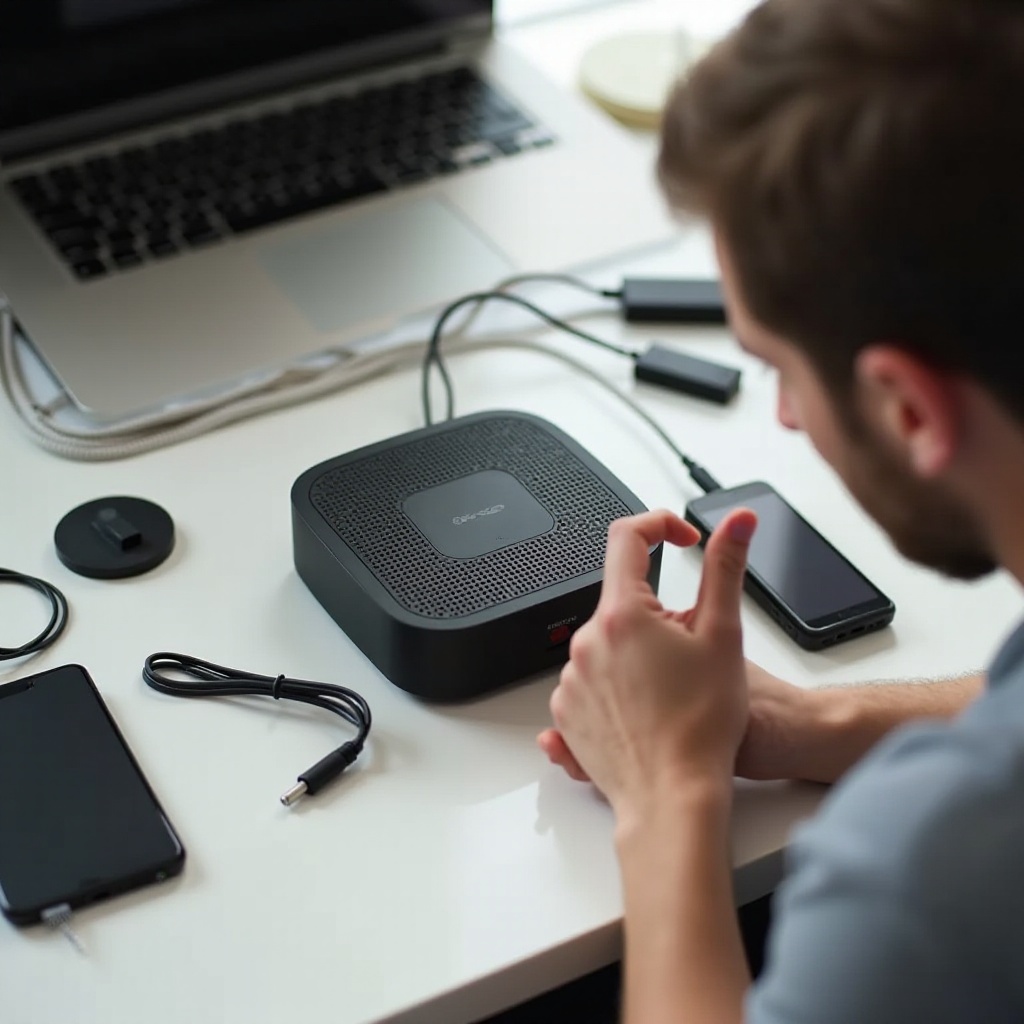
Battery and Power Management
Persistent power issues might indicate an underlying problem with the battery system. Vigilance in discerning these signs can help mitigate lengthy disruptions.
- Identifying Battery Issues:
- If your speaker powers down soon after unplugging it, this may signify a deteriorating battery.
- Consult Bose’s official guidelines for the replacement of the battery to avoid damage and ensure proper installation, potentially extending your device’s lifespan significantly.
Addressing battery issues can solve power problems, yet if your speaker remains unresponsive, it could be related to software or firmware complications.
Software and Firmware Troubleshooting
Malfunctions may also originate from software glitches or outdated firmware, which, if unaddressed, can impede the speaker’s performance.
- Updating and Resetting Software:
- Check for firmware updates using the Bose Connect app. Updating to the latest version often resolves many software-related issues.
- Perform a soft reset by holding the power button for 10 seconds. This can eliminate minor glitches without affecting your saved settings.
Ensuring your software is updated can often rectify minor problems and significantly enhance speaker performance. When these strategies prove ineffective, a physical or hardware issue could be to blame.
Physical and Hardware Examination
If software updates and troubleshooting have not resolved the issue, it’s time to examine the hardware. Physical damage can hinder functionality and needs immediate attention.
- Assessing External and Internal Damage:
- Conduct a thorough inspection for visible damage, including cracks, dents, or any indicative signs of wear. Physical deterioration can lead to internal disrepair.
- For those comfortable with it, carefully open the speaker to check for any internal connectors that might have come loose during use or transit. Ensure to proceed carefully to avoid further damage.
After ruling out physical impediments, professional help might be required if the speaker remains non-operational.
Conclusion
Resolving power issues with your Bose SoundLink speaker might seem daunting, but following these comprehensive troubleshooting steps will often yield success without the need for professional repair. From checking basic connections to software updates, each effort can play a part in reinstating the speaker’s operation. If complications persist, Bose’s customer support provides expert assistance.
Frequently Asked Questions
How do I reset my Bose SoundLink speaker?
Press and hold the power button for 10 seconds until the device powers off and on for a soft reset.
Can a Bose SoundLink operate while charging?
Yes, it can operate while charging, allowing uninterrupted audio enjoyment even on low battery.
How long does a Bose SoundLink battery last?
Depending on the model, the battery generally lasts between 6 to 12 hours on a full charge.